
For years, designing a high-converting WordPress website meant relying heavily on resource-intensive, monolithic page builders. While tools like Elementor and Divi made visual layout generation accessible, they often introduced massive code bloat, heavy DOM structures, and complex script execution paths that penalized performance scores. In today’s landscape, optimization and Core Web Vitals are paramount to organic search engine tracking.
The solution lies in leveraging the native platform environment: the WordPress block editor (Gutenberg), supercharged by an efficient structural layout framework. Pairing the default editor engine with an elite asset library like Kadence Blocks yields clean, lightning-fast rendering speeds without sacrificing design flexibility.
This deployment guide walks you through setting up a production-ready system utilizing a streamlined Gutenberg and Kadence ecosystem to achieve peak load speeds and absolute design autonomy.
Why Gutenberg Paired with Kadence Outperforms Traditional Page Builders
The core shift away from legacy page builder frameworks comes down to script loading architecture. Traditional builders layer wrapper divs on top of columns, inside sections, wrapped in multi-tier layouts, bloating database outputs. Native blocks execute directly using clean HTML elements parsed instantly by server engines.
| Performance Metric | Legacy Monolithic Builders | Gutenberg + Kadence Architecture |
|---|---|---|
| Asset Script Loading | Loads universal heavy JS/CSS styling payloads globally across all pages. | Conditional asset loading; blocks inject specific scripts only when utilized. |
| DOM Node Hierarchy Depth | Deep nesting paths due to heavy multi-column wrapper configurations. | Flat, ultra-streamlined semantic HTML structures with low parent overhead. |
| Native Asset Integration | Requires custom APIs and background synchronization scripts to render text fields. | Hooks directly into default platform style frameworks and system databases. |
Core Extensions: Expanding the Editing Toolkit
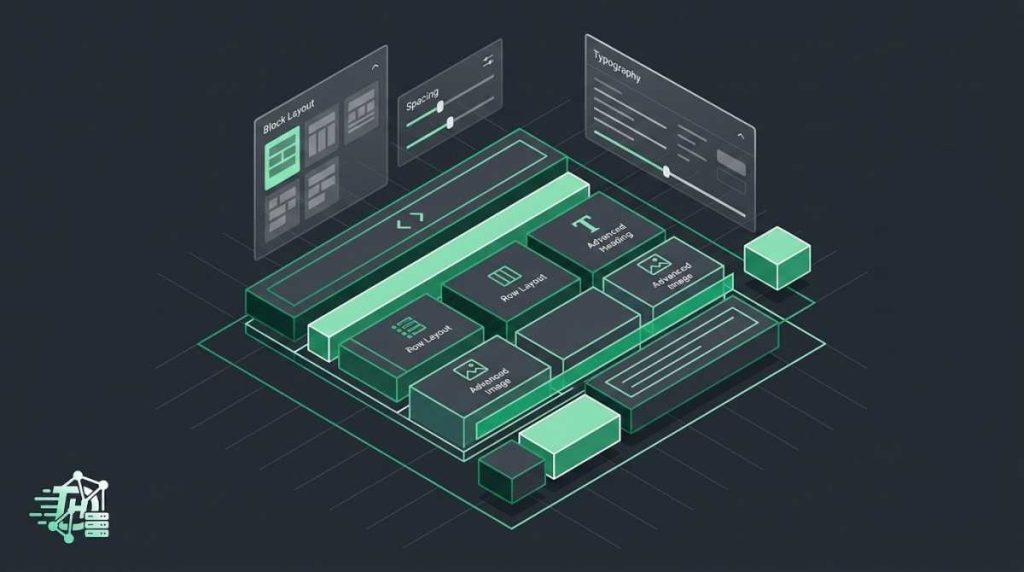
By default, raw Gutenberg blocks provide foundational elements like simple text strings, generic lists, and default images. Installing the official Kadence Blocks Gutenberg Plugin shifts your layout control from basic content entry to an advanced visual layout sandbox.
- The Row Layout Core Container: Replaces rigid standard grouping steps with fluid CSS grid layouts, flexing padding and margin parameters independently across mobile, desktop, and tablet views.
- Advanced Typography Control: Provides direct theme-level scaling interfaces for headings and paragraphs to ensure crisp, uniform layouts.
System Performance Rule: Never run multiple block wrapper systems simultaneously. Stick exclusively to the core components and a single high-quality addon asset ecosystem to keep backend script registration clean.
Step-by-Step Production Roadmap for Initial Setup
Follow this clean, structured installation roadmap to spin up your design stack without creating data structure conflicts or rendering bottlenecks down the line:
-
1Install the Lightweight Base Theme PairNavigate to your themes panel and ensure you run a performance-optimized backbone like the official Kadence Theme environment. This lays a pristine canvas for local font storage and system caching engines.
-
2Configure Global CSS Styles and PalettesBefore building single block columns, open your customizer panels to map out your core brand colors and responsive font sizes. Global definitions ensure blocks inherit sitewide styling rules automatically without embedding repeated inline markup.
-
3Deactivate Unused Interface ModulesAccess the Kadence control center dashboard in your admin menu. Turn off individual block types—such as maps or calendars—if they aren’t part of your site model. This prevents unnecessary script loading across editing views.
-
4Enable Local Webfont Management and PreloadingToggle settings to pull Google Fonts directly onto your local web host storage arrays. Preloading assets locally removes render-blocking third-party connection hops and immediately fixes layout shifts during page renders.
What does your current editing environment look like?
Are you still building custom web assets with bloated legacy builders, or have you migrated your workflow over to the native core editing blocks? Drop your configuration feedback and loading speed wins in the comments section below!