The developer toolset has shifted completely from basic inline auto-completion to autonomous agentic engineering. In 2026, selecting the right AI coding assistant is no longer just about saving a few keystrokes; it is about choosing an automated pair programmer capable of refactoring whole codebases, diagnosing runtime environments, and maintaining architecture consistency across complex repos.
For fresh platforms like DevHubStack, balancing developer velocity with clean, unbloated code is crucial to establishing long-term technological solvency. The current ecosystem is dominated by five heavyweights, each offering fundamentally distinct execution philosophies. Some operate as generalized reasoning models, while others function as deeply integrated, IDE-native environments.
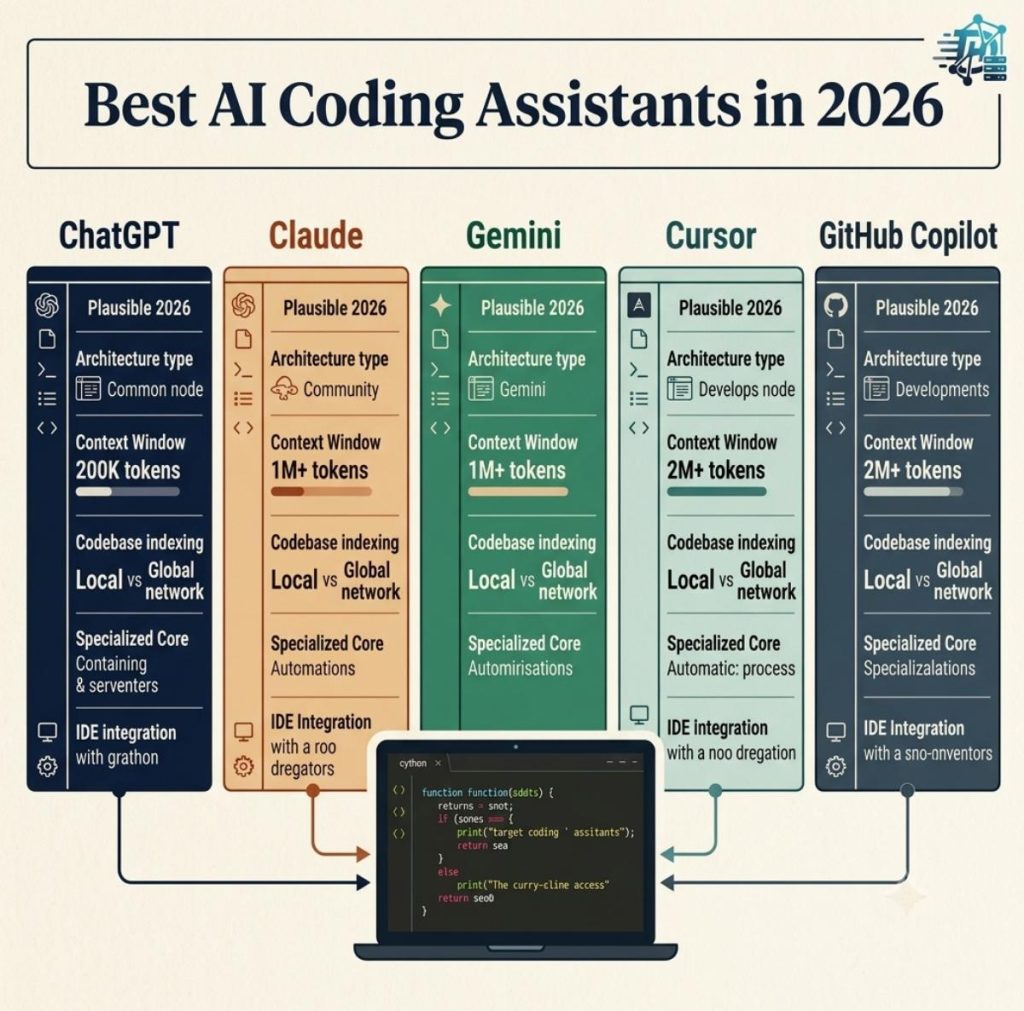
To cut through the marketing noise, we conducted a rigorous benchmark analysis across complex multi-file engineering tasks. Here is our architectural breakdown of the absolute best AI coding assistants available in 2026.
The Contenders: Architectural Blueprint and Core Focus
Understanding where each tool excels requires isolating its primary runtime behavior. The market is split between chat-first interfaces that act as external consultants and deep context engines that live inside your workspace editor configuration.
While standalone chat hubs leverage massive reasoning networks for high-level software engineering design patterns, integrated development environments capture local workspace states seamlessly. Bypassing manual copy-paste loops entirely transforms how developers handle edge cases and framework updates.
| AI Coding Engine | Primary Interface | Context Window Strength | Best Suited For |
|---|---|---|---|
| Cursor | IDE-Native (VS Code Fork) | Deep Local Indexing (Embeddings) | Multi-file refactoring & codebase generation |
| GitHub Copilot | IDE Extension / Workspace | Repository-wide awareness | Inline code autocompletion & internal enterprise docs |
| Claude (Anthropic) | Chat Hub & API Extensions | High-fidelity structural reasoning | Complex logic generation & architectural patterns |
| ChatGPT (OpenAI) | Chat Hub & Canvas Workspace | Multi-step deep inference loops | Scripting, complex debugging, & data transformations |
| Gemini (Google) | Chat Hub & IDE Toolkits | Massive (2M+ Tokens native footprint) | Massive legacy codebase analysis & documentation lookup |
Evaluating the 2026 Engineering Workflows
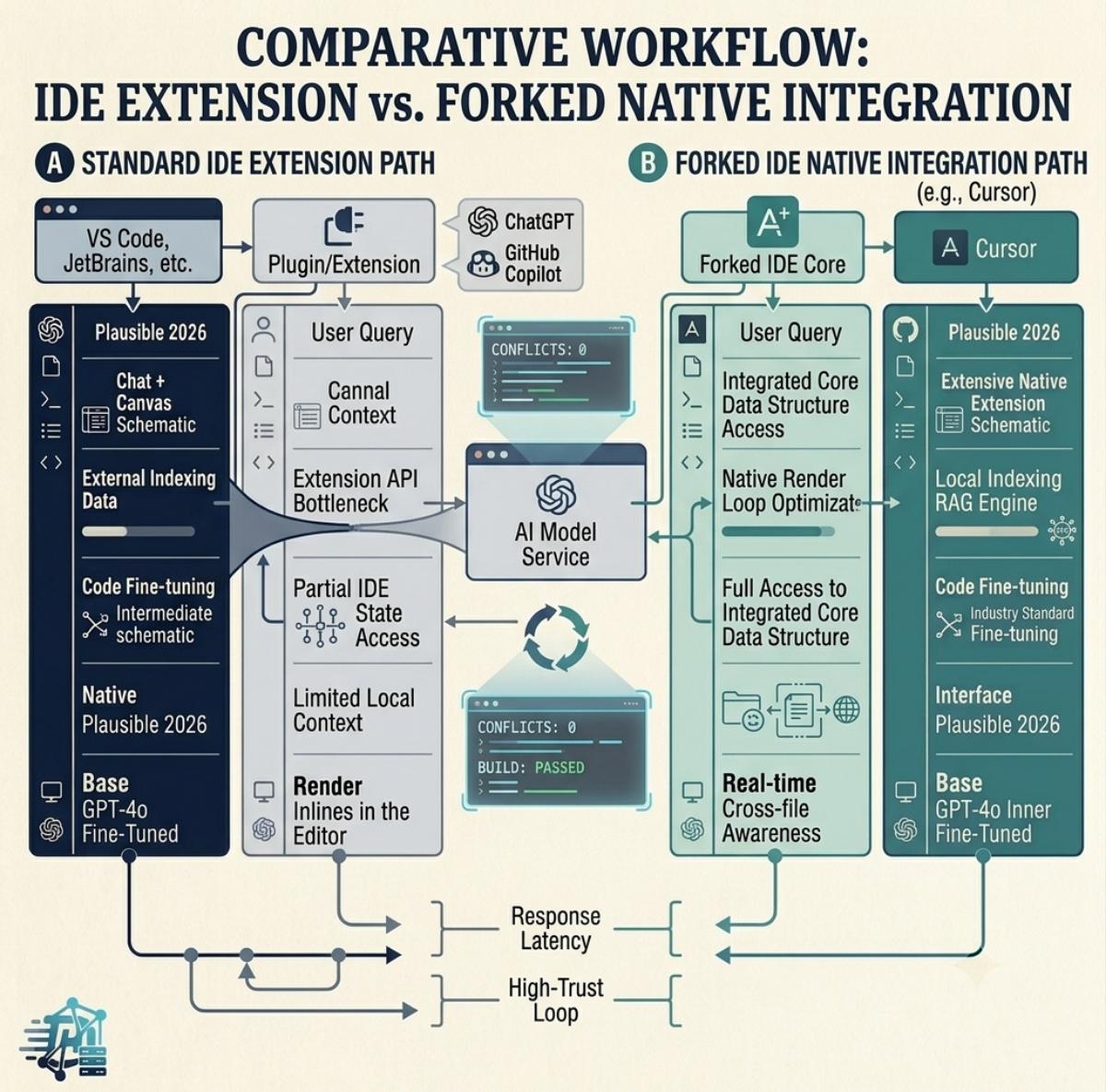
The standout story of modern development workflows is the dramatic divergence between traditional inline auto-completion and full codebase search indexation. Legacy extensions often struggle because they only evaluate the active open file tab, leading to breaking changes across hidden dependencies elsewhere in your directory tree.
Next-generation setups resolve this issue by running continuous background semantic code graph builds. By building real-time vector databases of your local files, tools like Cursor and GitHub Copilot Workspace instantly understand how a structural database migration schema impacts your decoupled front-end layout files.
Architectural Insight: Raw context size is useless without precise retrieval capability. While massive multi-million token windows are excellent for dumping whole legacy documentation files, tools with local indexing engines often generate less hallucinated code because they prioritize code structural relevance over brute-force token inputs.
The Roadmap to Choosing Your AI Coding Stack
Optimizing your development deployment velocity means deploying the right asset model to solve the right architectural bottleneck. Follow this step-by-step pipeline to structure your engineering workflow:
-
1Isolate the Operational Working EnvironmentDetermine whether your engineering workflow requires native code line execution or high-level architecture validation. If you live purely inside an editor sandbox, choose a dedicated fork environment over basic system extensions.
-
2Audit Your Context Size NeedsEvaluate the scope of your target project repository. For smaller, decoupled modern web application setups, choose high-reasoning code models. For massive monolithic code bases with decades of legacy dependencies, look toward large context pipelines.
-
3Integrate Automated Continuous Testing ValidationNever commit AI-generated code snippets directly into your production pipelines without passing through automated linting tools. Connect automated local test frameworks to immediately flag syntax or dependency regressions.
-
4Configure Secure Context Repository RulesEnsure your active development workspaces are explicitly configured to prevent public training loops. Use structural project file exclusion variables to cleanly lock down internal API keys and private configuration profiles.
The Verdict: Maximizing Velocity safely
There is no singular victor in the coding assistant landscape of 2026; instead, the modern workflow relies on a multi-model approach. For day-to-day workspace manipulation and aggressive multi-file feature additions, an IDE-native tool provides unmatched speed. When solving complex data mapping logic or setting up original systems architectures from scratch, passing isolated problems directly into deep reasoning models remains the gold standard for reliable engineering.