
Containerization has completely redefined how modern web applications are engineered, bundled, and deployed across high-performance environments. For nearly a decade, a single ecosystem served as the default standard for local orchestration: Docker. However, engineering constraints around security compliance and resource footprints have paved the way for advanced, security-first alternatives.
Enter Podman. Developed as a drop-in, open-source competitor, Podman challenges the traditional structural layout of container management. While the two systems share underlying open container standards, their underlying background architectures differ fundamentally when handling security controls, runtime daemons, and system privileges.
At DevHubStack, we evaluate container virtualization frameworks based on threat-surface isolation, runtime resource overhead, and overall ergonomics within local engineering stacks. Below is our comprehensive, infrastructure-level architectural review.
Architectural Platform Comparison Matrix
This comparative overview traces the structural design differences and execution parameters between the two dominant container platforms.
| Engineering Metric | Docker | Podman | Core Architectural Impact |
|---|---|---|---|
| Daemon Dependency | Required (Persistent dockerd process) |
Daemonless (Direct Linux fork/exec model) | Podman eliminates a single point of process failure |
| Default Security Privilege | Rootful (Requires root privileges by default) | Rootless (Native unprivileged execution) | Podman drastically mitigates container breakout exploits |
| Native Pod Construction | Requires Docker Compose or Swarm | Native support (Kubernetes-style pod objects) | Podman lets you group multi-container modules locally |
| Ecosystem & Tooling | Industry-standard Desktop, Extensions, Hub | CLI-focused, modular companion utilities | Docker offers superior plug-and-play desktop suites |
Structural Blueprint for Container Platform Selection
Transitioning or establishing a container deployment strategy requires evaluating your application’s security model and orchestration pipeline:
Privilege Escalation Warning: Running a rootful Docker daemon gives any local user added to the
dockerUnix group equivalent capabilities to root sudo access. If an exploit breaches a rootful container runtime, attackers can gain full control of the host machine file structure.
-
1Audit Infrastructure Compliance MandatesExamine your project’s target security framework. If your operational environment completely bans running root-level daemons for non-system actions, Podman’s native unprivileged execution paths satisfy these restrictive controls out of the box.
-
2Evaluate Local Multi-Container ComplexityDetermine your orchestrator composition rules. If your services require complex local setups, Docker Compose provides highly reliable networking defaults, though Podman can now interpret those configuration files or run localized Kubernetes manifests directly.
-
3Benchmark Native Development EnvironmentsAnalyze your engineers’ host operating systems. Docker Desktop delivers exceptional file-system sharing performance and networking shortcuts on macOS and Windows, whereas Podman provides a lighter, command-line-driven setup for native Linux terminals.
Deep Dive: Daemon vs. Daemonless Environments
The Docker Approach: Centralized Orchestration Control
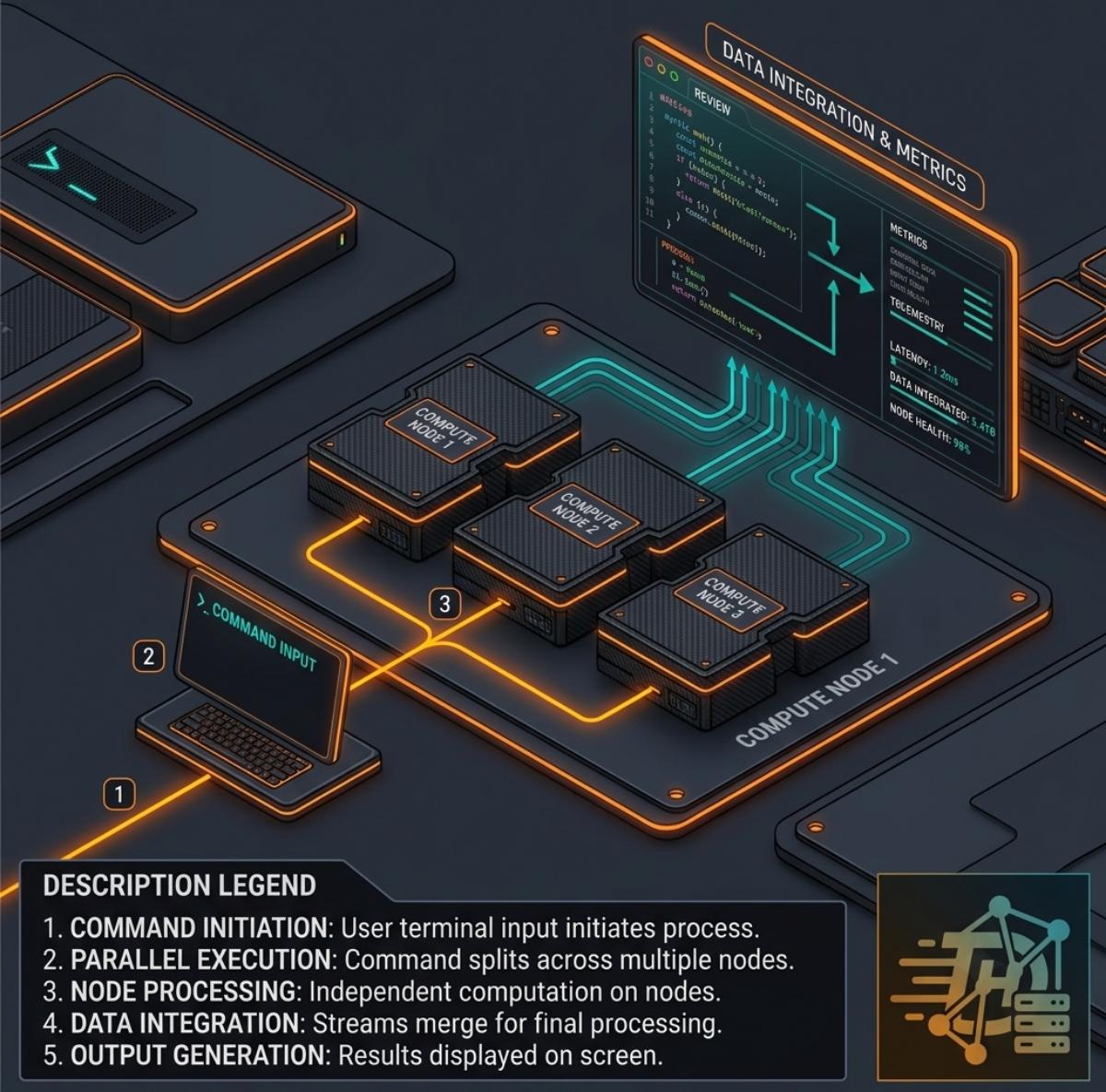
Docker operates via a central background service process named dockerd. This persistent daemon coordinates every internal action—from pull requests on registry systems to configuring virtual networking bridges and launching container layers. While this centralization offers seamless orchestration management across all your active workspaces, a crash or memory failure within the main daemon process can immediately impact all active containers on the machine.
The Podman Alternative: Decoupled Fork-and-Execute Operations
Podman discards the background service model entirely. It leverages standard Linux system structures directly, using a fork-and-execute blueprint. When you initiate a container run action, Podman spawns the target application as a direct child process under the user’s login session. This model isolates each container’s lifecycle, meaning an issue in one isolated environment won’t affect unrelated services running across the network.
Selecting the Right Environment Stack
Deciding between these virtualization frameworks comes down to balancing ease of use with infrastructure isolation limits. Docker remains the premier choice for cross-platform groups who want an integrated desktop experience, extensive ecosystem extensions, and predictable, plug-and-play multi-container networking. Podman is the superior platform for security-conscious groups, Linux-centric deployments, and engineers aiming to mirror cloud-native Kubernetes pod configurations on local development systems.