
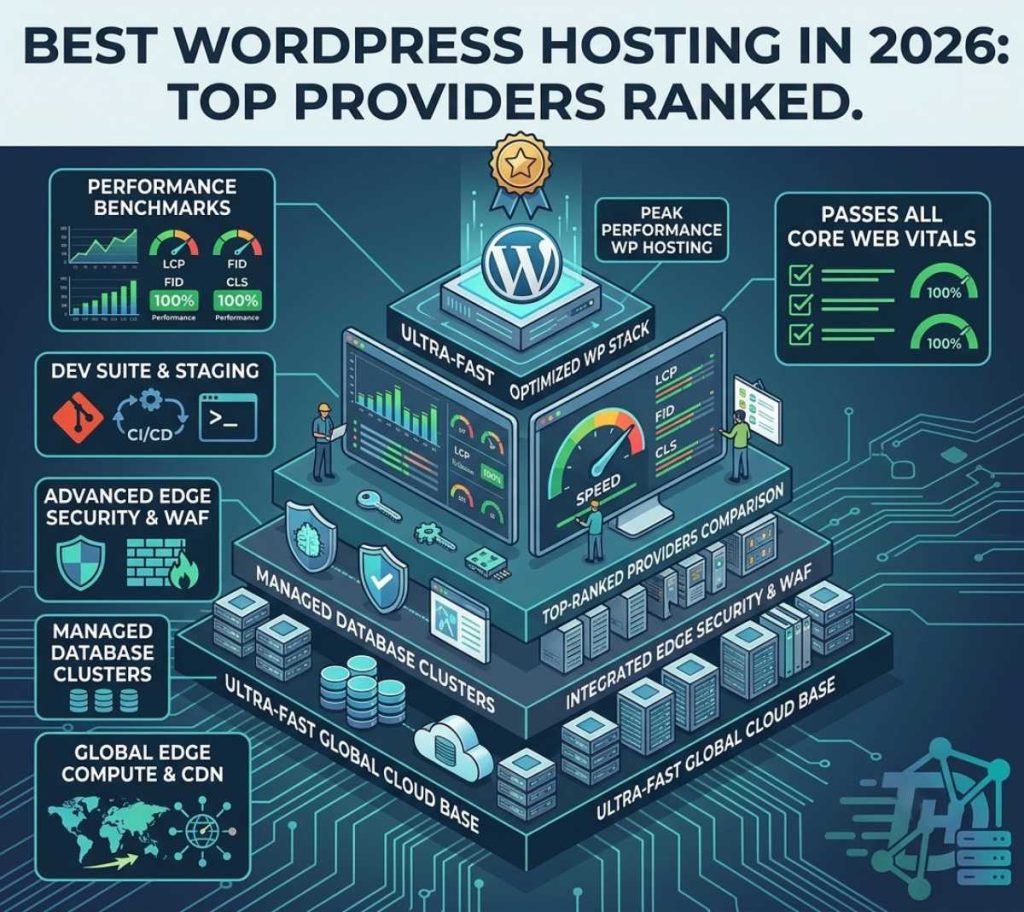
Choosing your web host is the single most defining technical decision you will make for your website. In 2026, with search engine algorithms penalizing sluggish backend performance heavily, you can no longer afford to host your modern web properties on outdated, slow, shared servers. Your infrastructure dictates your baseline Time to First Byte (TTFB), your data rendering efficiency, and ultimately, your ranking visibility.
The hosting landscape has shifted entirely away from bloated configuration models and toward optimized containerization, intelligent edge networks, and serverless background workers. Today, the best WordPress hosting solutions provide blazing-fast cloud architectures along with seamless developer controls out of the box.
Whether you are launching your first affiliate platform, scaling an application backend, or migrating an enterprise blog, here is our breakdown of the elite WordPress hosting environments available this year.
Top WordPress Hosting Ecosystems Compared
Depending on your budget, engineering skill level, and traffic scaling goals, your perfect setup will vary. Here is how the market-leading architectures compare across performance benchmarks:
| Hosting Provider | Architecture Category | Core Performance Value | Official Direct Link |
|---|---|---|---|
| Kinsta | Managed Cloud (Google Cloud Platform) | Isolated CPU/RAM containers with built-in micro-caching. | Kinsta |
| DigitalOcean | Cloud VPS (Unmanaged Infrastructure) | Absolute resource control and unmatched price-to-performance. | DigitalOcean |
| WP Engine | Premium Managed Hosting | Enterprise security, developer stagers, and solid global CDNs. | WP Engine |
| Hostinger | Budget Managed Cloud | Incredible entry-level speeds leveraging custom LiteSpeed engines. | Hostinger |
1. Premium Managed Cloud Platforms: The Hands-Off Choice
For businesses and content platforms that want optimal server configuration without spending hours inside a command terminal, premium managed cloud platforms are the default path. Platforms built on top of premium tier cloud providers ensure your files don’t share hardware with thousands of spam websites.
- Containerized Isolation: Top ecosystems like Kinsta leverage isolated Linux containers (LXC) to guarantee your site has dedicated access to CPU cores and memory allocations.
- Automated Maintenances: Daily database optimization runs, server-side caching adjustments, automated staging push routines, and real-time security tracking are standard operations, allowing you to focus entirely on building content.
2. Cloud VPS + Control Panels: The Indie Builder’s Power Move
If you possess moderate technical confidence or want to run multiple micro-SaaS sites alongside your content engines, spinning up a raw cloud virtual private server (VPS) is the most cost-effective scaling method.
By purchasing high-performance cloud droplets or computation blocks from infrastructures like DigitalOcean and pairing them with external server configuration dashboards like RunCloud, you create an un-throttled production environment for a fraction of corporate managed prices.
Architectural Rule of Thumb: Never buy shared hosting for a resource-heavy workspace. If your server shares an un-isolated IP address with thousands of compromised domains, your performance will suffer randomly during execution spikes, regardless of how light your custom code is.
How to Correctly Evaluate and Deploy Your New Host
Do not simply choose a hosting provider based on promotional signup prices. Evaluate options using this production deployment checklist:
-
1Run a Baseline TTFB TestBefore transferring your entire database, run a clean WordPress installation on the candidate server. Test your Time to First Byte across multiple global data regions to verify network speeds.
-
2Verify Cache Architecture CompatibilityEnsure the host supports native server-level caching layers (like Nginx FastCGI or LiteSpeed) and object memory caches like Redis to keep backend application strain at zero.
-
3Execute Staging and Backup Dry RunsVerify that pushing changes from your staging sandbox to live production takes fewer than three clicks, and check that daily snapshot recovery takes minutes rather than hours.
-
4Activate HTTP/3 and Global Edge ProtocolsConfigure your network routing via modern layers to ensure delivery lines to international visitors scale quickly on modern mobile data connections.
What infrastructure handles your web properties?
Every platform needs room to grow. Leave a comment down below detailing your preferred hosting provider setup or server orchestration tools this year!