
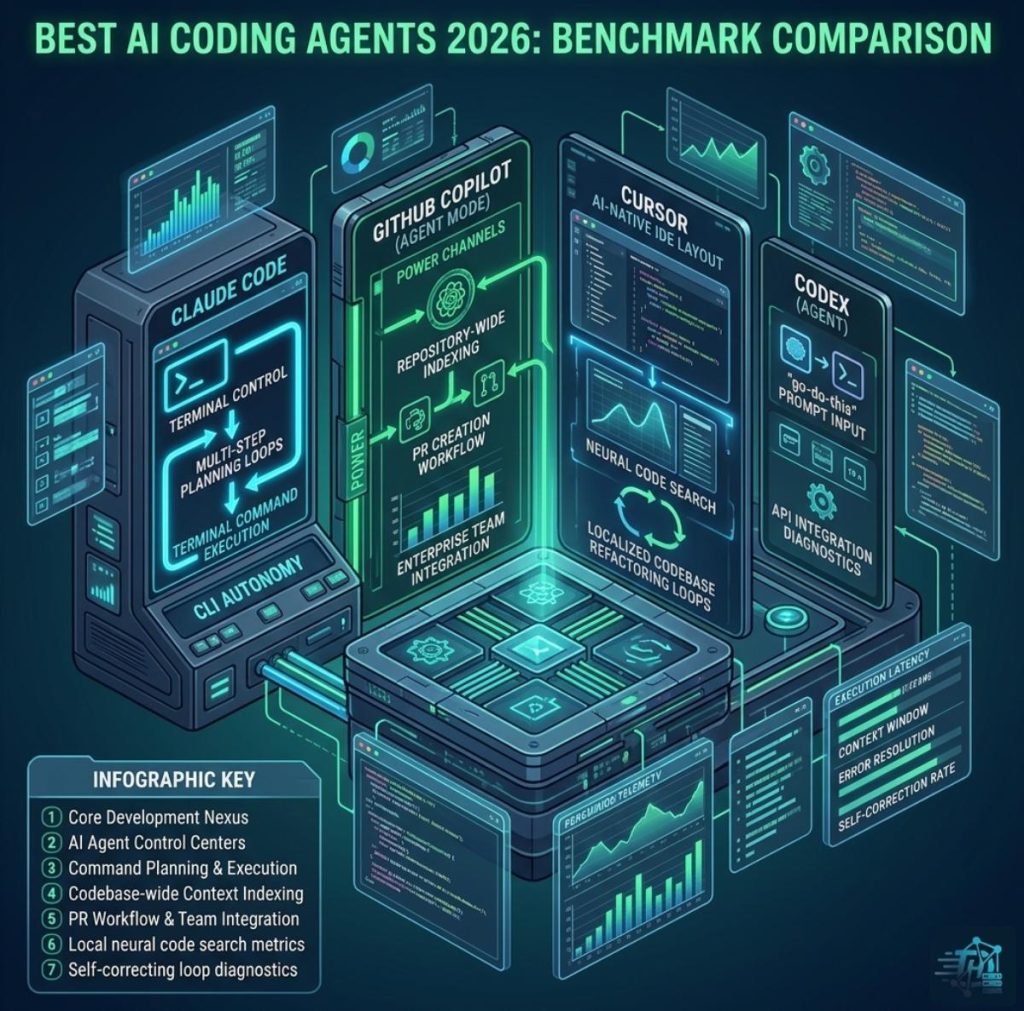
For modern developers building technical stacks at DevHubStack, selecting the right agent is critical for speed and code quality. In this definitive guide, we benchmark the four dominant AI coding agents of 2026: Anthropic’s Claude Code, OpenAI’s Codex (integrated as an agent), GitHub Copilot (Agent Mode), and the AI-native editor, Cursor.
Defining the AI Coding Agent: From Completion to Autonomy
It’s important to distinguish between a *coding assistant* (e.g., the Copilot of 2023) and a *coding agent* (2026). An assistant offers real-time code completion within your editor. An agent, however, acts upon a plain-language prompt (“Migrate this entire authentication module from JWT to secure sessions”) by:
- Planning a multi-step execution roadmap.
- Reading, understanding, and modifying existing project files.
- Executing commands in your terminal (CLI).
- Running tests to verify its own work.
- Self-correcting when it encounters build errors.
Warning: While agents in 2026 are highly autonomous, “ghost-in-the-machine” bugs—where an agent subtly refactors a non-related module without clear justification—remain a security and maintenance risk. Always review agent pull requests (PRs).
Benchmarks & Tool Breakdowns
We’ve tested these agents across standard dev tasks: terminal control, autonomous full-stack feature creation, and codebase-wide refactoring.
| AI Coding Agent | Optimal Workflow | Unique Selling Proposition (USP) | Autonomous Capability |
|---|---|---|---|
| Claude Code | Terminal-first, large-scale terminal refactors | CLI & Terminal Autonomy | Very High (Plans, codes, debugs via CLI) |
| Codex (OpenAI Agent) | Background PR work, API integrations | “Go Do This” Prompt Ease | High (Background agent work) |
| GitHub Copilot (Agent Mode) | GitHub-heavy, enterprise-level PR management | Enterprise-native Integration | High (PR creation, repo refactors) |
| Cursor | Editor-first, complex feature implementation | AI-Native IDE Experience | Very High (IDE-native refactoring) |
Key Technical Benchmarks for 2026
To establish topical authority, we examine the underlying technical capabilities that differentiate these tools.
-
1Autonomous Terminal & CLI ControlClaude Code dominates this space. It is designed to think, plan, and execute multi-step commands within your CLI. Unlike rivals that suggest commands, Claude Code creates a plan and then asks, “May I run this command to verify?”
-
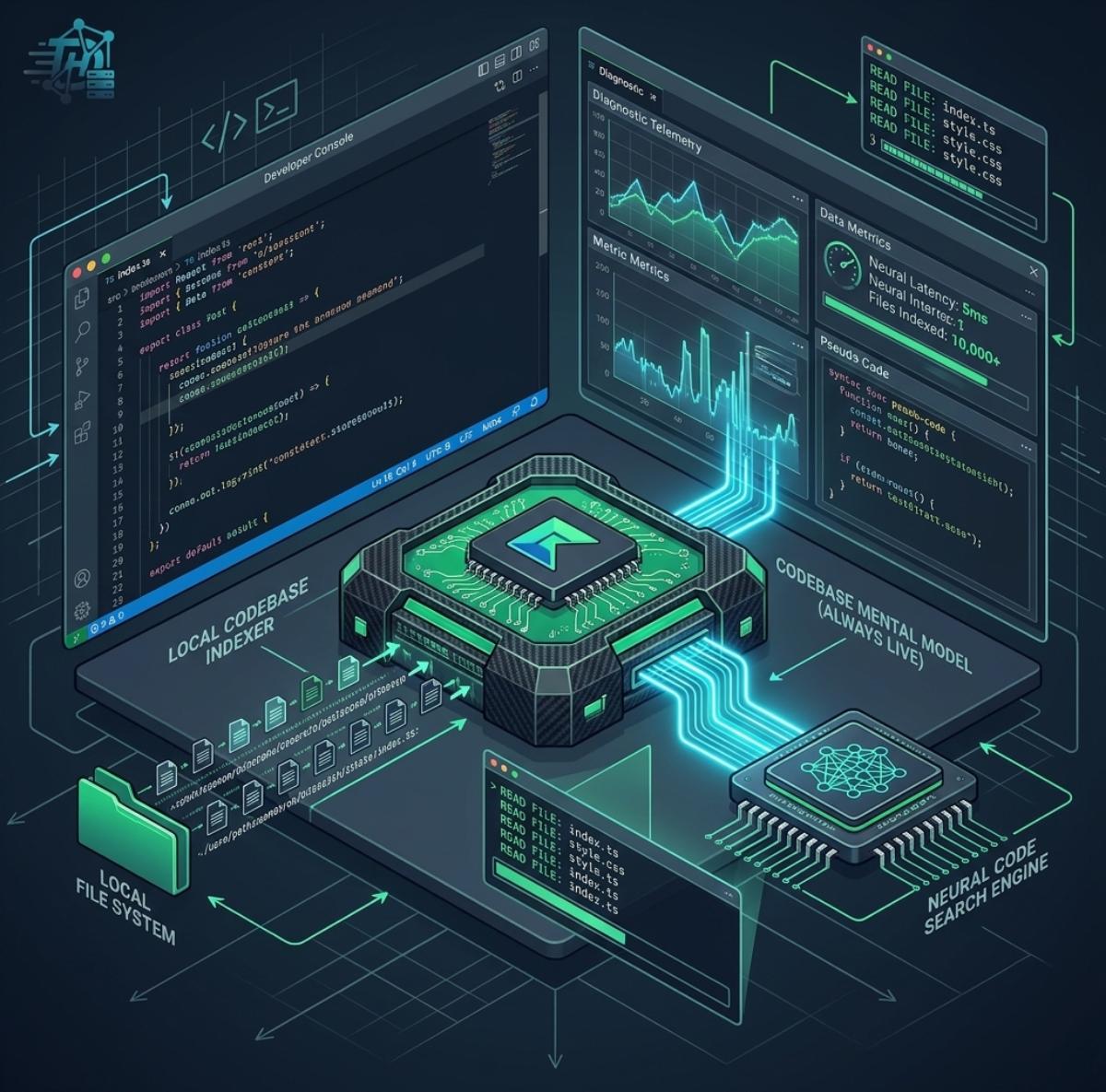
2AI-Native IDE versus Plugin ArchitectureCursor represents the new gold standard for IDE-native AI. As a dedicated editor, it indexes your codebase locally, allowing for near-instant context awareness during refactoring that plugin-based solutions cannot match.
-
3Context Window & Large Codebase HandlingGitHub Copilot and Codex benefit from OpenAI’s massive context windows in 2026. While all tools use repository indexing, Copilot Enterprise’s specialized indexing of pull requests and internal documentation provides unique ecosystem advantages.
Deep Dive: Core Tool Breakdowns
Claude Code: The Autonomous Terminal Powerhouse
Anthropic’s Claude Code has disrupted the market by focusing on terminal-first agentic behavior. It doesn’t just suggest a fix; it creates a plan, modifies your files, runs the build command, self-corrects based on terminal output, and only prompts you to review the final PR. It is the best choice for developers who live in the terminal.
Cursor: The Best Editor-First Experience
Cursor is an AI-native fork of VS Code. Its power comes from integrating AI as a core component, not a sidebar plugin. Cursor utilizes advanced local code indexing to maintain an always-up-to-date mental model of your codebase. Its USP is the “AI Edit” feature, allowing you to highlight a section and type, “Change this to use async/await across the entire project.”
Selecting the Best AI Agent Stack for Your Needs
There is no single “winner”; the best tool depends on your team’s structure and where you want the agent to live.
-
1For Large-Scale Refactoring & Terminal-First WorkflowsClaude Code is currently unrivaled for complex, multi-step autonomous work, especially when that work involves running build and test commands in the terminal.
-
2For Enterprise Teams heavily invested in GitHubGitHub Copilot (Agent Mode) is the superior ecosystem play, managing the entire lifecycle from PR review to merging.
-
3For Independent Developers or AI-Native StartupsCursor offers the most ergonomic, powerful editor experience, enabling individual developers to maintain a “10x” velocity when implementing new features.
As we build DevHubStack to highlight top technology solutions, we recommend most modern developers adopt a hybrid stack. Many engineers run Cursor as their editor-first environment while deploying Claude Code via CLI for intense full-stack agentic work.