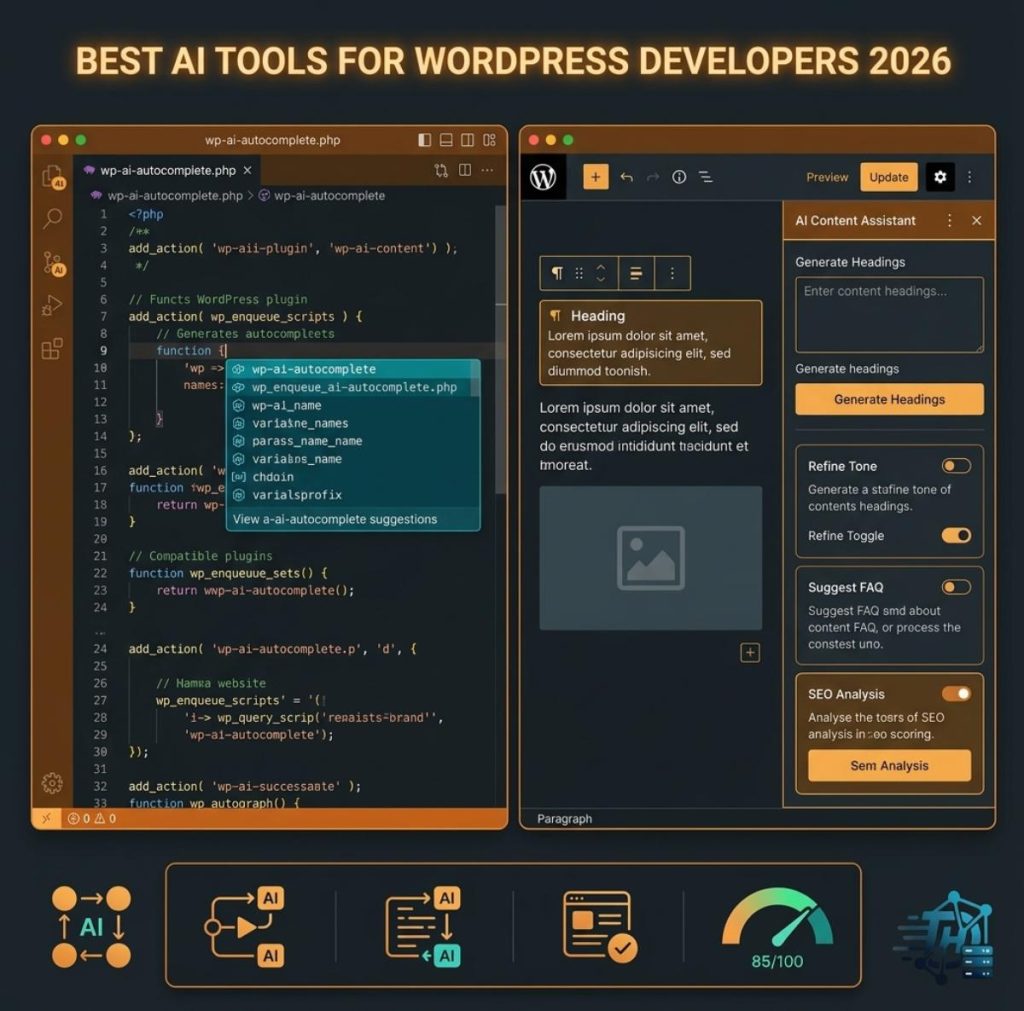
AI Coding Assistants for WordPress
Generic AI coding models tend to hallucinate WordPress hooks and database structures that don’t exist, which is why WordPress-specific coding tools have become their own category.
- Cursor — A full AI-native code editor well suited to multi-file plugin architecture. Popular among developers building custom WordPress plugins locally.
- CodeWP — Trained specifically on the WordPress core codebase, WooCommerce functions, and major plugin APIs (ACF, Gravity Forms, the REST API), so its snippet suggestions are less likely to break on real sites.
- Claude Code / GitHub Copilot — General-purpose AI coding agents that many WordPress agencies now use alongside WordPress-specific tools for broader refactoring and debugging tasks.
- Angie — An agentic AI framework built specifically for WordPress that goes beyond snippet generation: it can plan, write, test in a sandbox, and push changes, rather than just outputting text to copy-paste.
AI Website & Page Builders
For developers who need to spin up client sites fast, AI-driven builders have moved well past simple template pickers.
- Elementor AI — Built into the Elementor page builder, generating layouts, copy, and styling suggestions without hand-writing CSS.
- 10Web AI Website Builder — Generates a full working WordPress site from a text description.
- Hostinger’s AI Builder — Lets you describe a site and pick from a large template library, with an included AI troubleshooter for common site errors.
- ZipWP — Another prompt-to-site generator aimed at agencies producing client sites quickly.
AI Content & SEO Tools
Content and on-page SEO were among the earliest WordPress workflows AI touched, and the category has matured into tools that work directly inside the block editor.
| Tool | Category | Best For | Starting Price |
|---|---|---|---|
| Rank Math Content AI | SEO Optimization | Writers who want keyword/readability feedback while drafting | From $5.99/mo (add-on) |
| Jetpack AI Assistant | Content Writing | Sites already on Jetpack wanting low-friction AI writing help | Free tier, ~$10/mo unlimited |
| Bertha.ai / GetGenie AI | Content Writing | Blog posts, product descriptions, and meta titles at scale | Varies by plan |
| AI Engine | BYOK AI Connector | Developers who want to connect their own OpenAI/Claude/Gemini API key | Free tier (20 requests), ~$10/mo unlimited |
AI Automation & Full-Site Control Tools
A newer category has emerged around the Model Context Protocol (MCP), which lets AI assistants take direct action on a WordPress site rather than just generating content to paste in manually.
- Bit Flows — A workflow automation plugin that runs entirely on your own WordPress install, connecting to OpenAI, Gemini, Claude, DeepSeek, or Perplexity to automate business logic, form enrichment, and content tasks.
- Easy MCP AI — Covers WordPress, WooCommerce, analytics, and SEO tooling through the WordPress 6.9 Abilities API, letting MCP-compatible AI assistants discover and control site capabilities directly.
AI Code Review & Security Tools
As more WordPress code gets AI-generated, automated review has become a necessary safety net rather than a nice-to-have.
- DeepSource / Snyk — Scan custom plugin code for security issues like SQL injection risk, missing nonce verification, and unsanitized database access, integrated directly into GitHub workflows before code reaches production.
Choosing the Right Tools for Your Workflow
No single tool covers every stage of WordPress development well. Most production workflows in 2026 combine a WordPress-specific coding assistant (like CodeWP or Angie) with a general-purpose AI coding agent for broader logic, a content/SEO tool for editorial work, and — increasingly — an MCP-based automation layer for tasks that used to require manual plugin configuration. AI tools are force multipliers here, not replacements: reviewing generated PHP for security and architecture still requires a developer who understands the codebase.